 Hush Trail
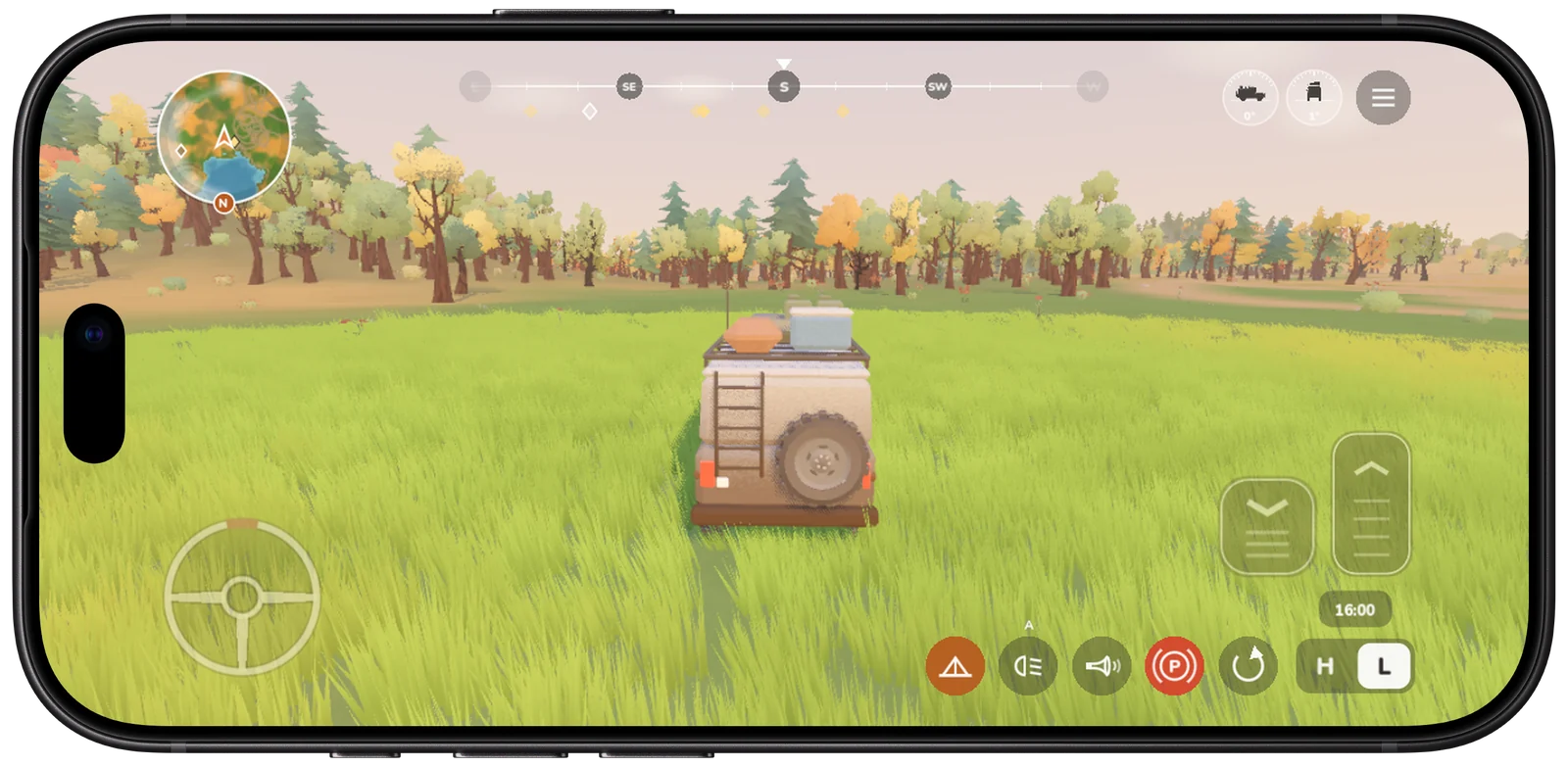
The risk I wrote down on the first day was 3D performance on phones, especially mid-range Android. Version 2.0 makes the game look richer, and that meant a lot of measuring. Here is what we found, including the part that is not solved yet.
Three quality levels
Hush Trail has three graphics settings. Battery, the default on phones, renders at a lower resolution, draws a shorter distance and holds a steady 30 frames per second to keep the phone cool. Balanced and Beautiful look better and suit recent devices. Since 2.0 you choose one on first launch, and you can change it any time.
Measuring on the phone
A phone does not show a console, so the test builds of 2.0 write a small log every five seconds: frames per second, frame time, processor and graphics time, triangles and draw calls. There are also switches that count triangles and draw calls for each group of objects, and one that makes the Mac load the world the way a phone would.
Cutting what the eye will not miss
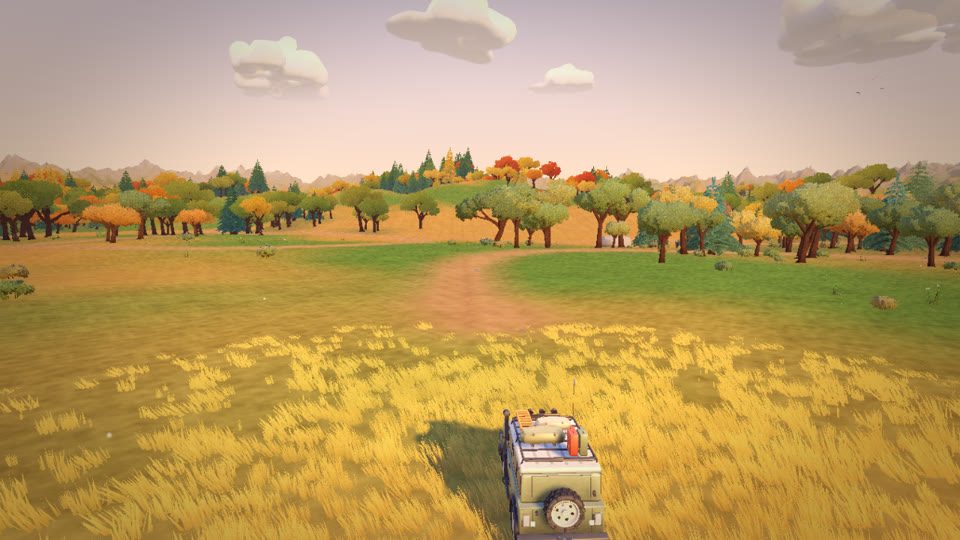
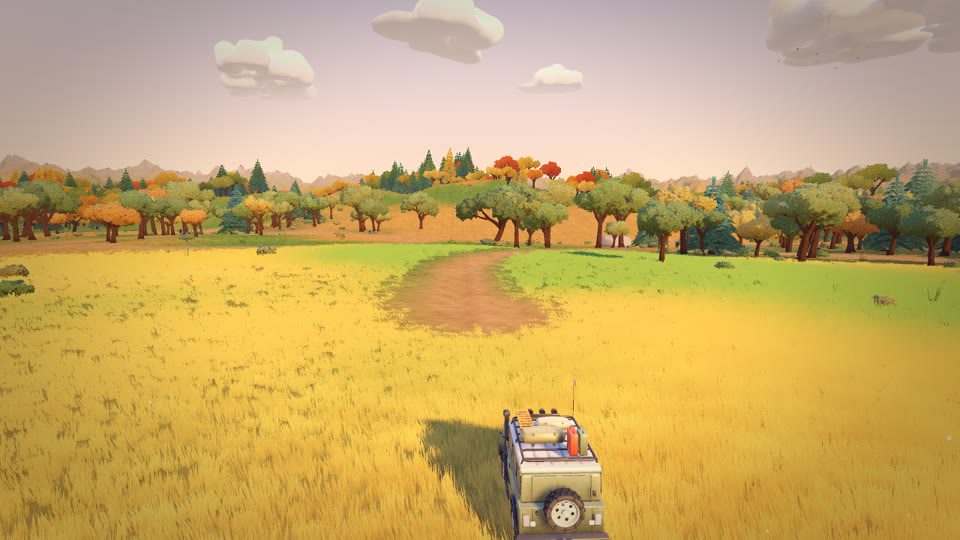
- Terrain: phones get one ring of full-detail ground around the truck and a coarse ring beyond it. The levels of detail now blend into each other instead of popping.
- Water: a coarser water surface on phones.
- Shadows: on Battery the ground does not cast shadows.
- Vehicles: trucks and wheels have a half-density version for phones. I tried the same for trees, but simplifying a tree swallowed its trunk, so trees keep their full model and hand over to flat cards in the distance instead.
- Grass: on a Mac the meadow reaches 108 m, with the dense ring out to 36 m. Phones and browsers draw it over a shorter range.
Memory and size
Memory came first, back in version 1.2, when Golden Valley grew to 3.84 km. The masks that describe the world were stored as single bytes instead of larger numbers, which saved about 28 MB. Real trees stopped being built for the whole map and now stream in around the truck in 64 m cells, which saved about 42 MB more. The main map went from 371 to 281 MB in memory, and the bigger valley sits at 348 MB.
Size matters too. In the browser the baked map data is not packed into the game but downloaded when the map opens. On 14 November I found that every export still carried two older generations of the maps, about 80 MB of dead weight; a full bake now deletes them.
iPhone
On iOS one crash appeared only at the very end of loading. A step that warms up the shaders was touching an object that had already removed itself, which iOS ends with a bus error. That is fixed. On an iPhone 15 Pro and an iPhone 17 Pro, Balanced and Beautiful now hold a steady 30 frames per second, with no stutter while driving.
Android
Android is the hard part. On an Oppo phone with a MediaTek Helio P95 and a PowerVR GM9446 graphics chip, the game crashed inside the graphics driver while it compiled its Vulkan pipelines, and the 1.3 shaders did the same. So 2.0 renders on Android with OpenGL, through Godot’s compatibility renderer. There the world is ready in about ten seconds.
It is not fast yet. On that phone, at Battery, it runs at about 7.5 frames per second. The measurements say the cause is not the number of triangles and not the resolution, but a fixed cost every frame in the processor and the driver. That will be its own round of work. On OpenGL a few effects are left out for now: the colour correction used on the web, the water reflections and the outline of the truck behind trees.
The browser
The web version compiles its shaders in a background worker while the loading screen runs. On 13 November that worker started running on desktops too, and a cold first load on a Mac in Chrome went from 64 seconds to 19.
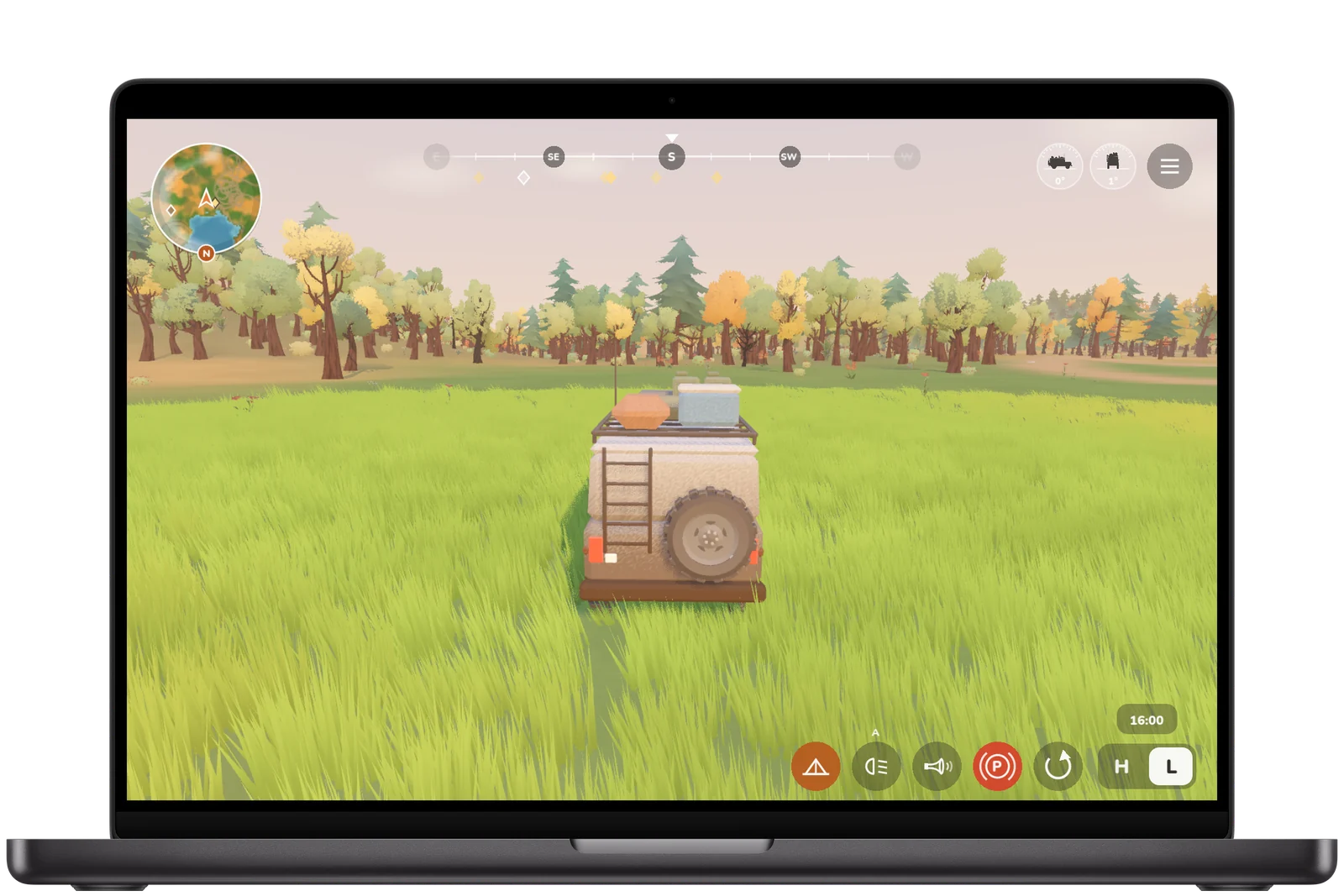
If the game runs badly on your phone, choose Battery under Settings, Graphics, and set Forest to Open for fewer trees. And please tell me which phone it is. The feedback button comes straight to me, and reports like that have already changed the game.